

A Japanese word on your lock screen.
Ganba’s widget puts one Japanese word on your iPhone lock screen, with its reading and its meaning. A new word comes up every 2 hours. The widget is in the free tier, so it keeps working when a trial ends, and it keeps working if you never pay.
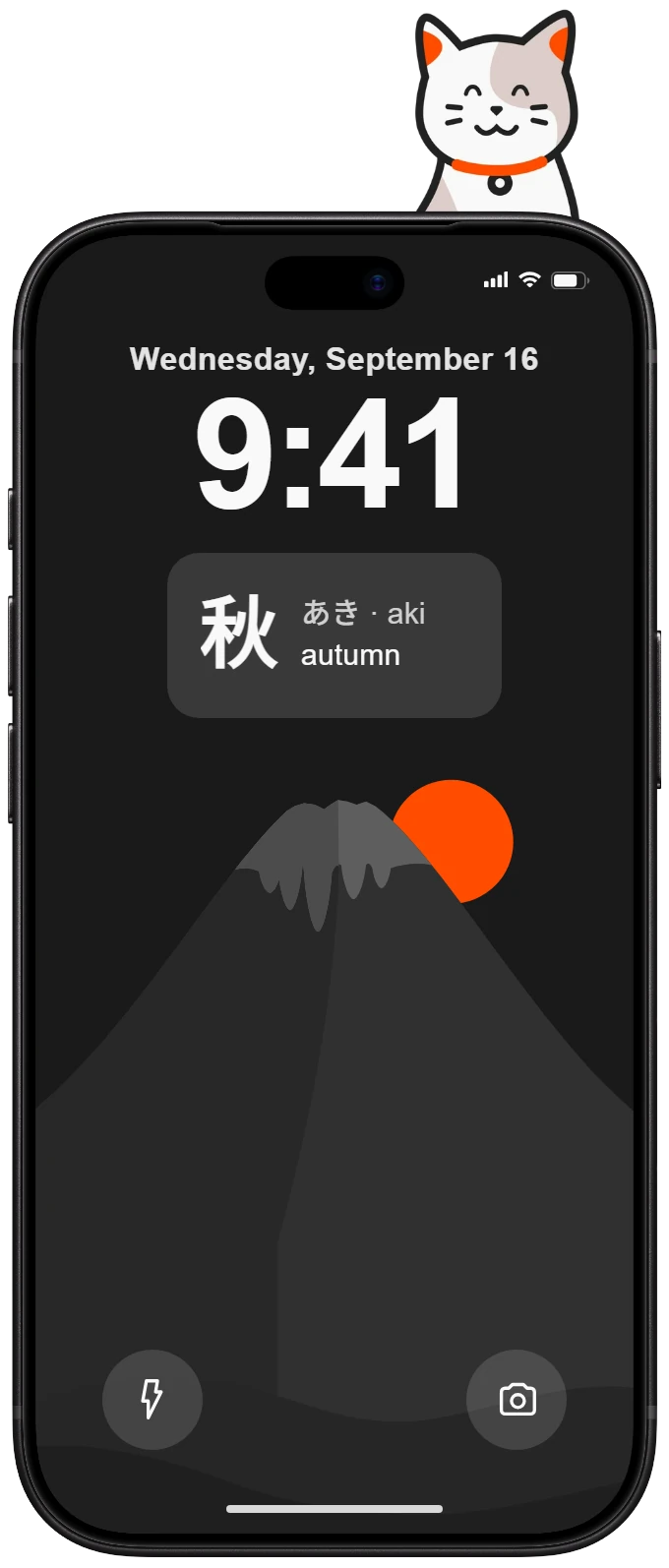
How to add it
- Hold your lock screen and tap Customize.
- Tap Add Widgets. If it asks, pick Lock Screen first.
- Find Ganba and tap the word.
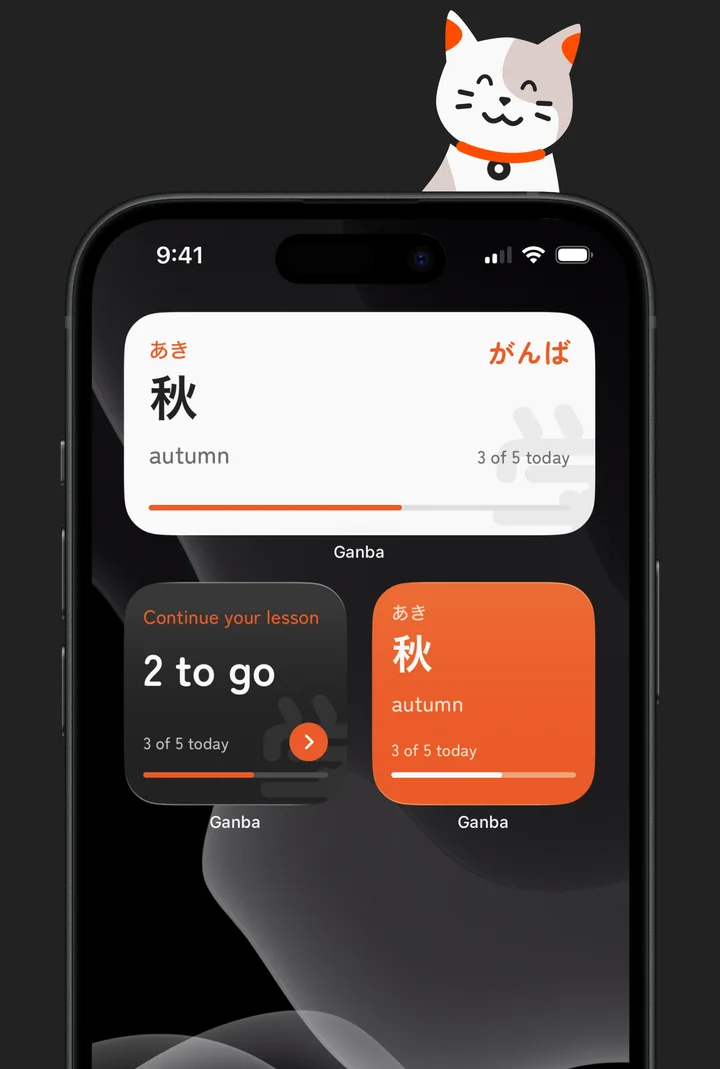
The app walks you through it the first time, and the steps are in Settings too. Ganba has home screen widgets as well.
Which words it shows
The widget shows words you’re learning. It mixes words from your last lesson, a few from your next one, and words you keep getting wrong. Words you know well come back now and then.
It holds back a word when its review is coming up soon, so it doesn’t give you the answer. It only shows words you can open in the app, so nothing locked turns up on your lock screen.
Free and paid
- Free: a new word every 2 hours, for as long as you have the app.
- Premium: you pick how often the word changes, from every 15 minutes to once a day.
If a paid plan ends, the widget goes back to every 2 hours. It doesn’t stop.
Good to know
- It works offline. Every word lives on your phone.
- It needs iOS 17 or later.
- If the word stops changing, open Ganba once. The widget uses the words the app last gave it.
Next: where the words come from.